Preview eForms
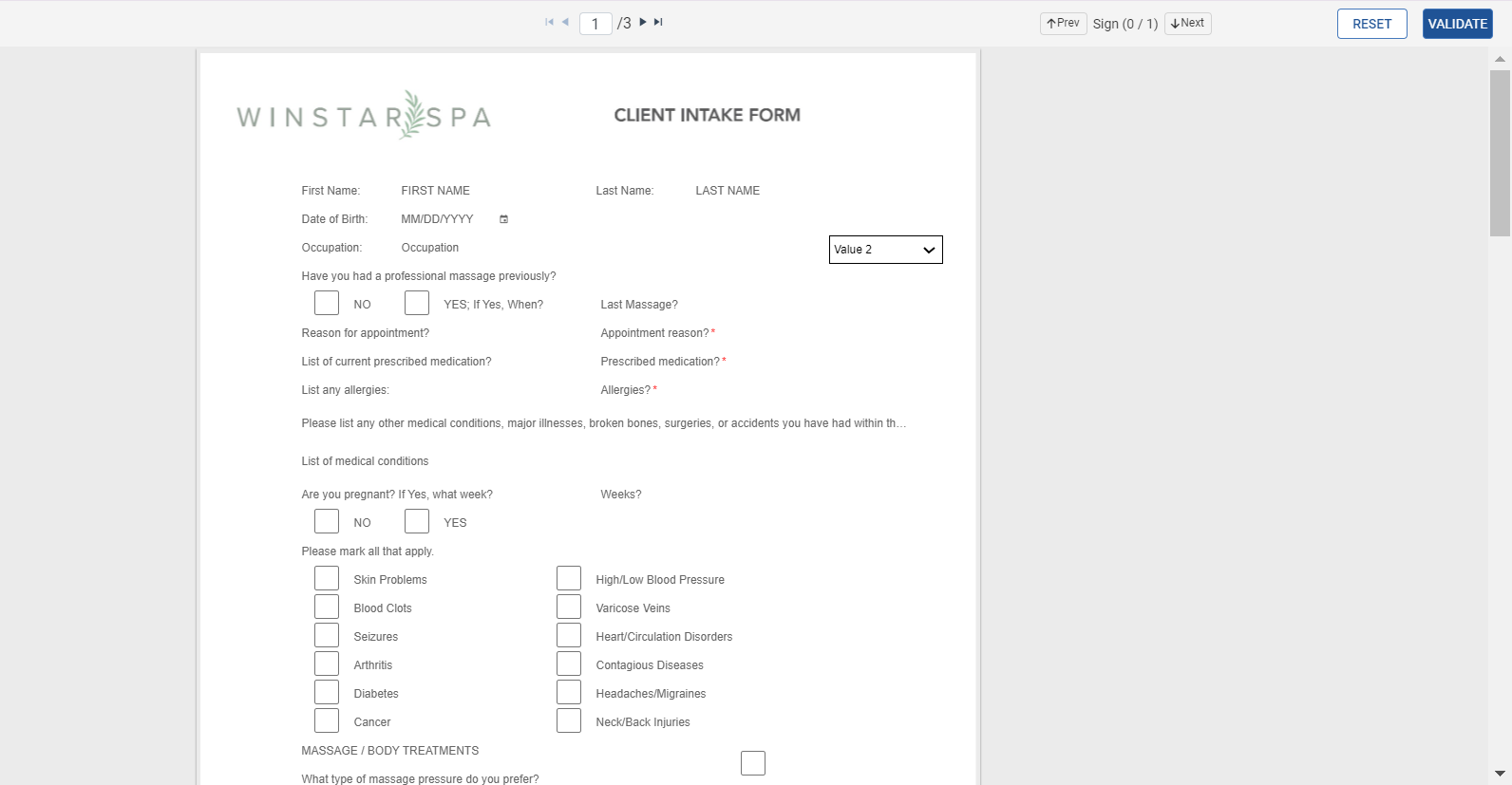
The Preview option allows users to view the eForm as displayed to the end user.
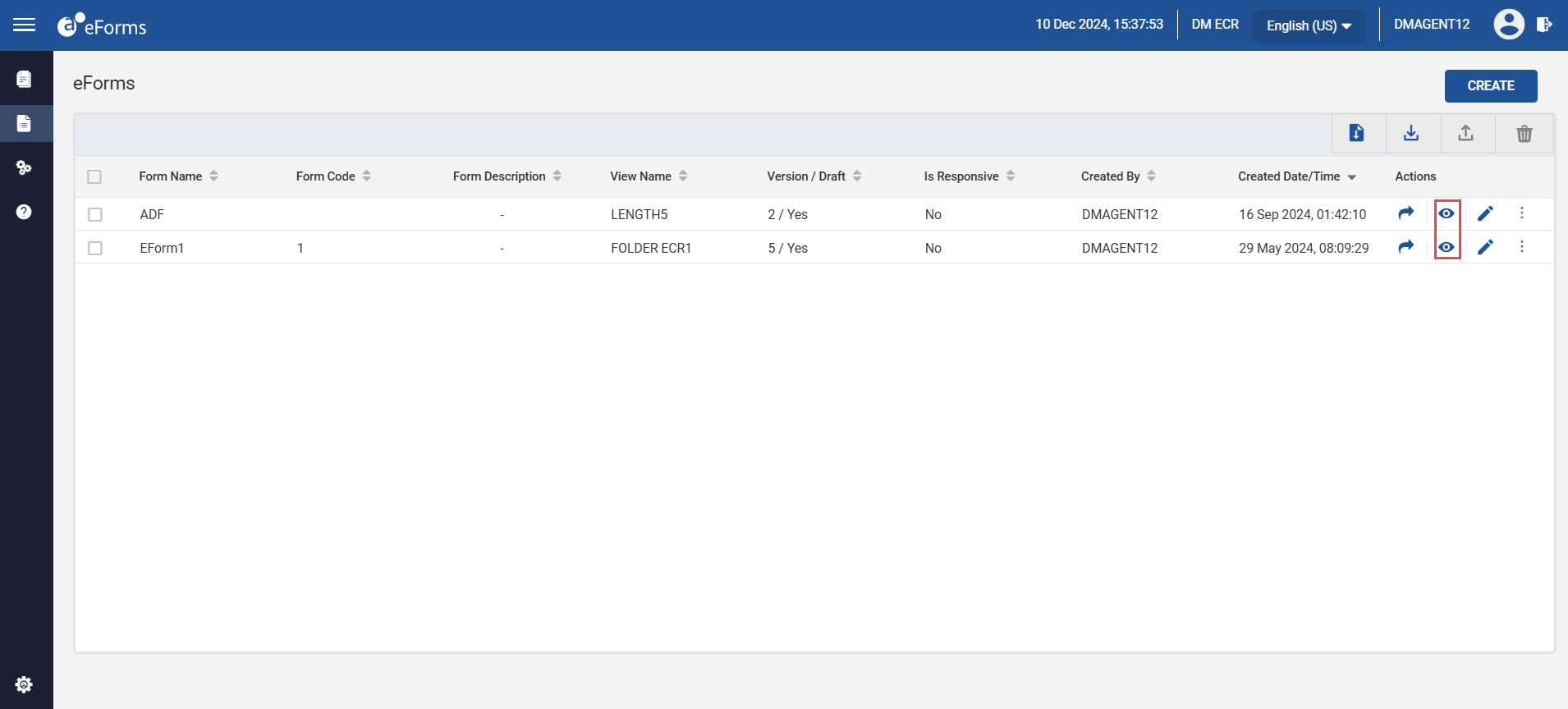
The Preview icon is displayed inactive until the eForm is submitted for the first time.
Users can perform the following actions in the eForm preview page:
-
Reset
-
Validate