Log on to Agilysys eForms
Users can log on to the Agilysys eForms by performing the following steps:
Launch the eForms URL https://eforms.onagilysys.com in a web browser. The Login page appears.
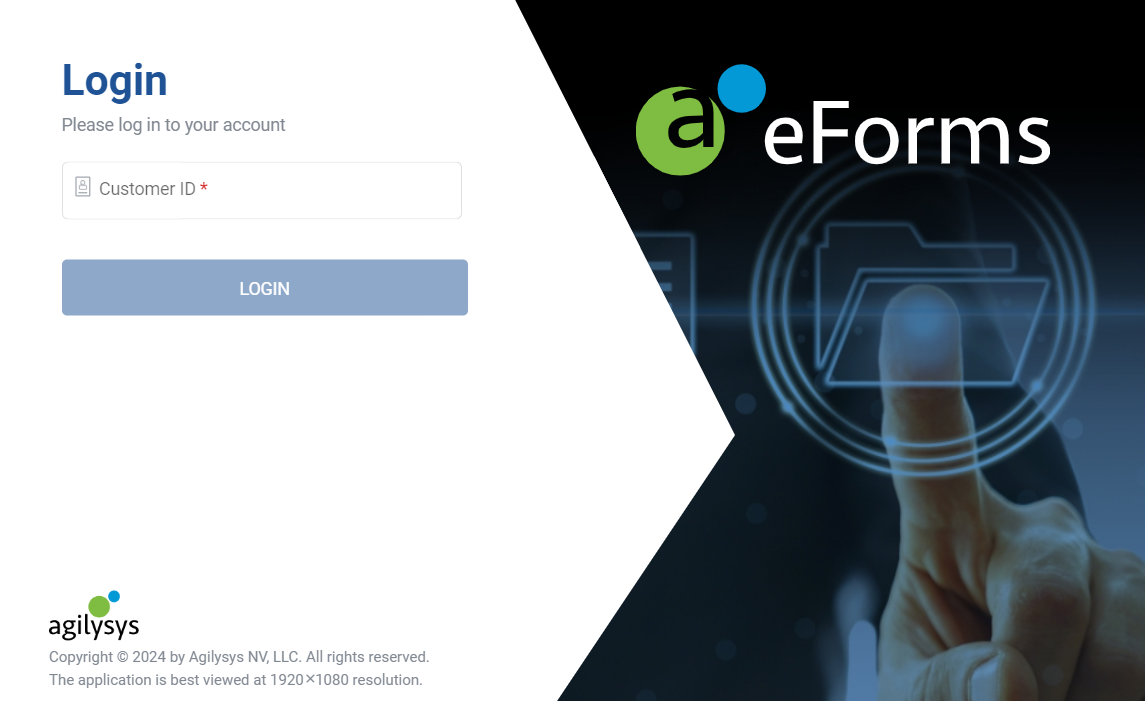
Enter the value obtained from the integrating product in the Customer ID field.
Click Proceed. The User ID and Password fields are displayed.
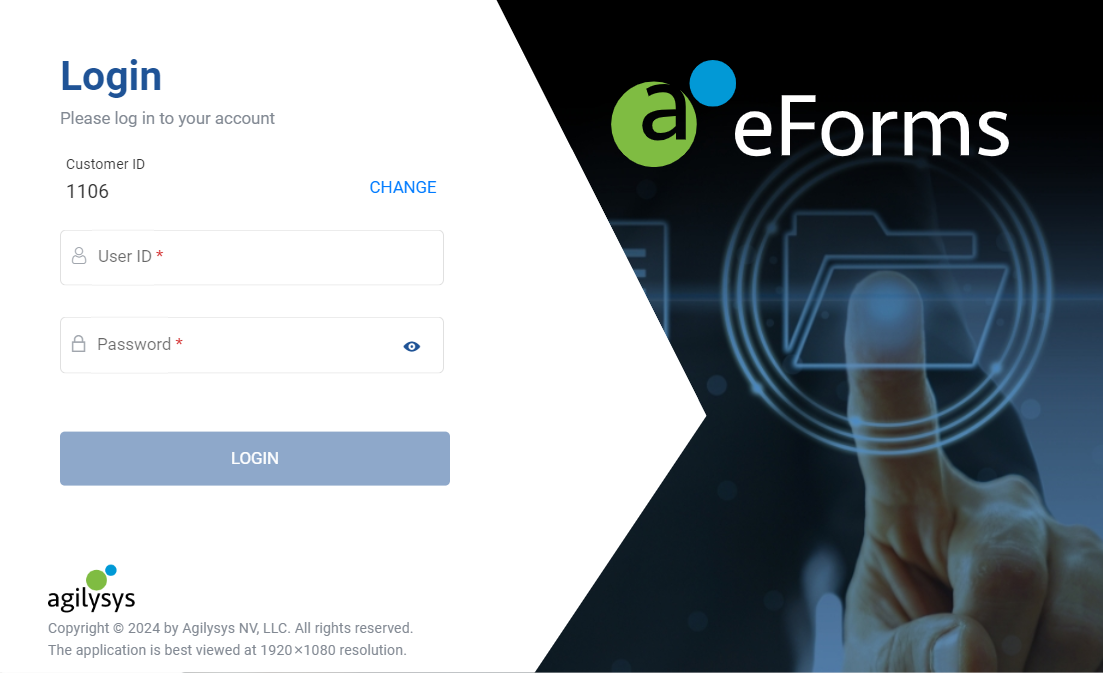
Enter the user ID and password in the User ID and Password fields.
Click Sign In. The Select a Location field is displayed.
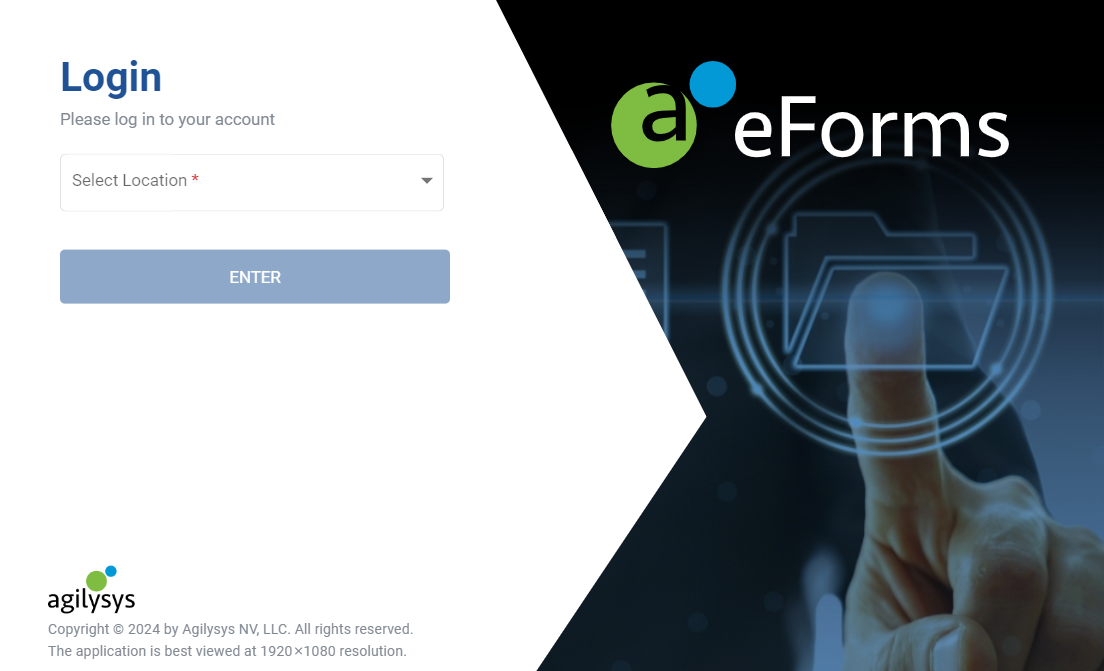
Select the location.
Click Proceed. The eForms homepage appears.
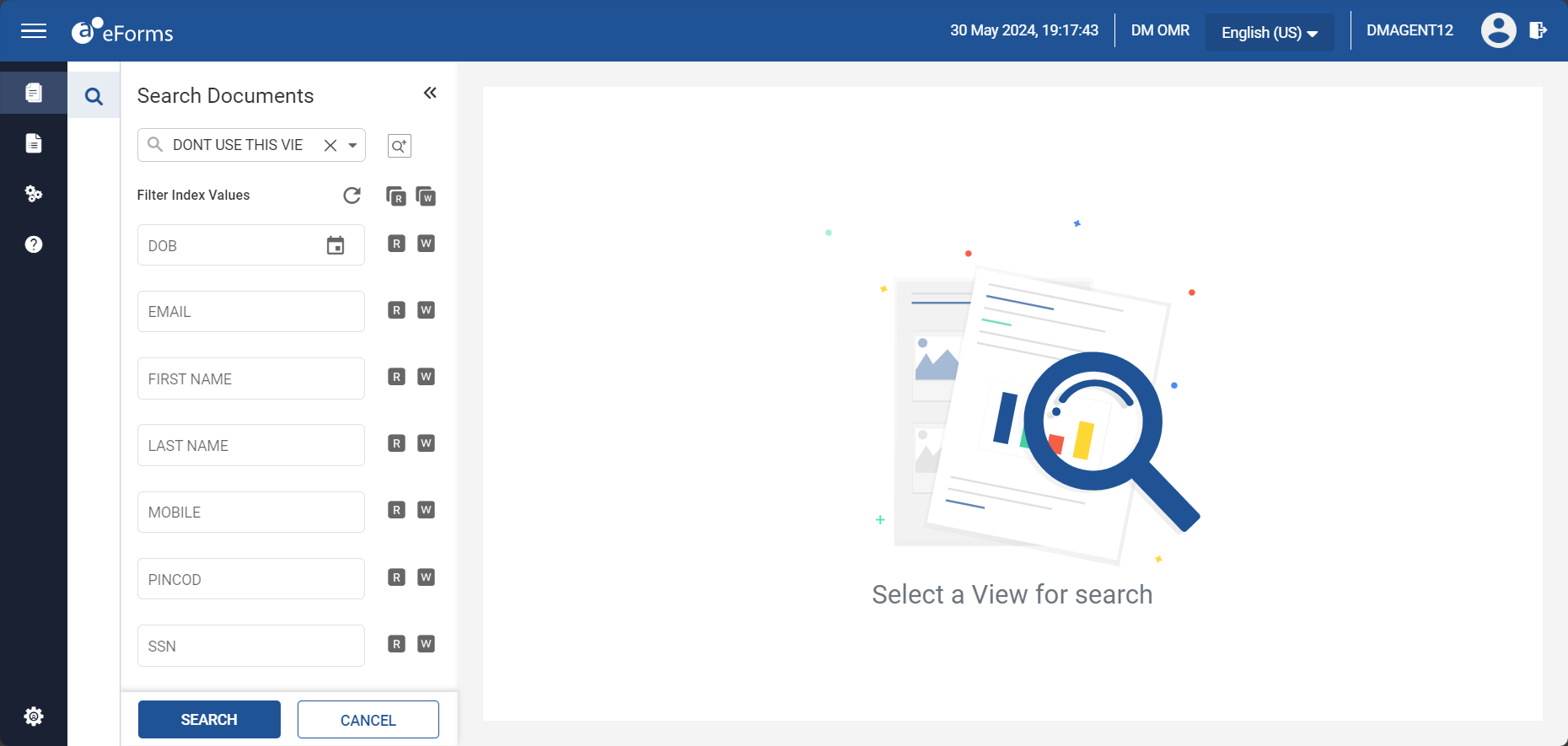
To log out, click the Logout icon at the top right corner of the eForms home page.